
What Is a Court Docket in Okmulgee County
A court docket is a dated index of a case. Every filing, hearing, motion, and order earns its own line. The clerk adds each entry as the case moves. Read top to bottom, a docket tells the story of a lawsuit or a charge. It shows who filed what, when a judge ruled, and how the case ended. In Okmulgee County, the Court Clerk builds and keeps these dockets for district court cases.
A docket is not the same as the full case file. The docket is the summary list. The full file holds the actual documents, such as the petition, the motions, and the signed orders. Online systems show the docket text for free. The scanned documents behind those lines often need paid access or a clerk copy. A municipal court keeps its own docket for city cases, and a tribal court keeps its own for tribal matters.
Dockets update as a case moves. A new filing or a fresh ruling adds a line. That is why a docket is the best snapshot of a live case. It can also flag a missed hearing, a bench warrant, or a payment owed. The online copy can run a step behind the clerk's record, so a recent event may not post right away.
How to Find Okmulgee County Court Dockets Online
Two free state systems carry most district court dockets. The Oklahoma State Courts Network, or OSCN, sits at oscn.net/dockets. On Demand Court Records, or ODCR, sits at odcr.com and lists Okmulgee among its courts. OSCN offers a docket search and a case-number lookup with a county or court dropdown that includes Okmulgee County District Court. Case numbers follow a code, a year, and a sequence, such as CF-2014-1. The steps below walk through a basic docket search.
- Open the OSCN docket search or the ODCR search page. Both are free for public docket viewing.
- Pick the court. On OSCN, choose Okmulgee County District Court. On ODCR, set the court group to Oklahoma District Courts, then pick Okmulgee.
- Enter a name as Last, First, or type the full case number in the CF-2014-1 format. Add a case type or date range to narrow the result.
- Open the case link and read the docket entries in date order, newest or oldest first.
If a case is not on OSCN, ODCR usually carries it, and the reverse can also be true. Both pull from the same district court system, so a name found on one often appears on the other.
The case-type filter is a strong tool once you know the case class. ODCR lists Criminal Felony, Criminal Misdemeanor, Family and Domestic, Probate, Small Claims, Traffic Tickets, and many more. A common surname returns far fewer hits when you add a case type or a filing-date range. ODCR keeps public docket viewing free, including partial-name and case-number searches. Its paid advanced tools add an outstanding-warrant filter, monitoring, and search history. Scanned images stay behind the paid tier on both systems.
Courts That Publish Dockets in Okmulgee County
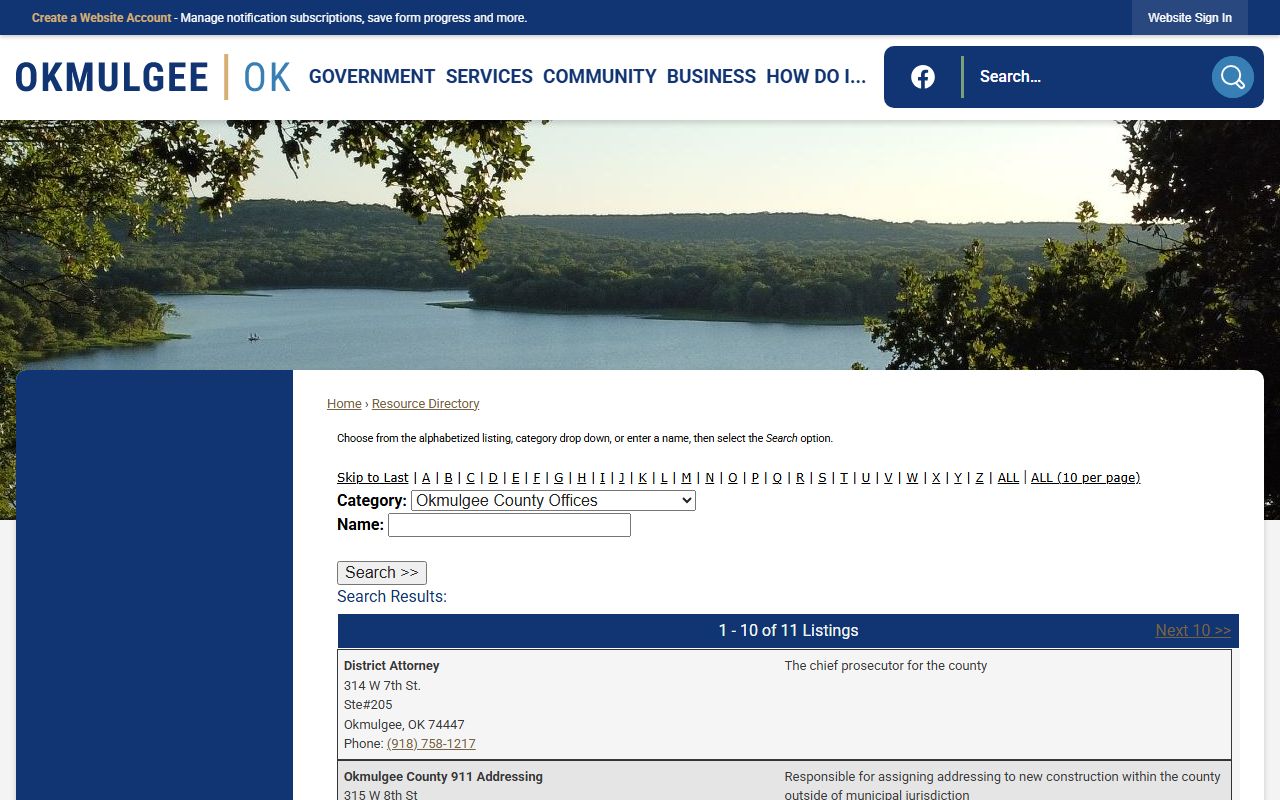
More than one court can hold a docket tied to the county. The district court is the main one, and its dockets show on OSCN and ODCR. City cases, tribal cases, and federal cases run on separate systems. Knowing which court owns the case keeps the search on target. The county office listings that point to these courts appear in the City of Okmulgee resource directory.
The image below comes from that City of Okmulgee county office directory.
The list below sorts the courts by where their dockets live.
- Okmulgee County District Court: civil, criminal, family, probate, small claims, and traffic dockets on OSCN and ODCR.
- City of Okmulgee Municipal Court: city traffic, parking, and ordinance dockets, reached through the police and city channel.
- Muscogee (Creek) Nation District Court: tribal-jurisdiction dockets, calendars, and bond matters at creekdistrictcourt.com.
- U.S. District Courts: federal civil and criminal dockets searched through the PACER system, not OSCN or ODCR.
The split matters because a single dispute can touch more than one court. A city traffic ticket sits with the municipal court, while the felony tied to the same stop sits with the district court. Tribal-jurisdiction matters, bonds, and probation check-ins route to the Muscogee (Creek) Nation District Court, which posts contacts at creekdistrictcourt.com. Federal cases are searched through PACER and the court's own electronic filing system. When a name does not turn up on OSCN or ODCR, the case may simply belong to one of these other dockets.
Sample Okmulgee County Docket Entry
Each docket line packs several pieces of data. A date sits at the front, then the event, then a short description. Some lines link to a scanned document, and some name the party who filed. The financial lines track fines, costs, and bond. The table below breaks down the fields a typical Okmulgee County docket entry shows.
| Field | What It Shows |
|---|---|
| Entry Date | The date the clerk recorded the filing, hearing, or order. |
| Event Type | The kind of event, such as a motion, plea, order, or continuance. |
| Party Filing | The plaintiff, the state, the petitioner, or the defendant behind the entry. |
| Description | A short text summary of the filing or ruling. |
| Document Link | A link to the scanned image where one is posted; many need paid access. |
| Financials | Fees, fines, court costs, bond, or restitution tied to the entry. |
OSCN Docket Reports for Okmulgee County
OSCN does more than single-case lookups. The docket landing page links a set of district court reports. These reports list court activity by day, by judge, by case type, or by county. They help when you do not have a name or a case number yet. A daily docket report, for example, shows what a judge will hear on a given day. A daily filings report lists the new cases opened in a county. Attorneys, reporters, and parties use these views to plan around a busy court calendar.
The case-number lookup remains the quickest path for a known case. Its county or court dropdown includes Okmulgee County District Court, and the example format is CF-2014-1. The report links below cover the broader views OSCN publishes.
- Daily Docket reports by event, judge, or case type.
- Civil Cases with Trial Dispositions.
- Daily Filings by County.
- Available Court Records and Court Records Help pages.
- Search Non-OSCN Counties, which routes users to ODCR.
Docket vs. Full Case Record
The docket and the full file serve different needs. A docket is a quick map of the case. The full record is the stack of actual documents behind that map. You read a docket to track progress and dates. You pull the full file to read a motion, an exhibit, or a signed order word for word. Rule 2.6 of the Oklahoma Court of Criminal Appeals notes the online search is a convenience copy, while the clerk's case-management record is the official one. The table below sets the two side by side.
| Docket | Full Case Record | |
|---|---|---|
| Format | List of dated entries | Full documents and exhibits |
| Access | Often online and free | May require a fee or a clerk visit |
| Use | Track case progress and dates | Legal review, evidence, certified copies |
| Source | OSCN and ODCR online | Court Clerk file or paid image access |
For a fuller look at filings, parties, and outcomes, the county court records page covers the case file in depth. The full criminal file, with charges and sentencing, lives in the District Court record kept by the clerk. The online docket can lag the official file, so verify a critical detail with the Court Clerk before acting on it.
How to Read an Okmulgee County Court Docket
Dockets use a steady set of legal terms. The same words appear across civil, criminal, and family cases. Once you know them, a docket reads quickly. A line may note a motion, an order, a plea, or a continuance. The final lines usually show the disposition and any sentence. The glossary below defines the terms you will meet most often.
- Docket
- The dated list of filings and events in a case.
- Motion
- A written request asking the court for an order.
- Order
- A judge's written or docketed ruling.
- Continuance
- A postponement of a hearing to a later date.
- Arraignment
- The first formal criminal appearance for plea and advisement.
- Plea
- The defendant's answer, such as guilty, not guilty, or no contest.
- Disposition
- The final outcome of a charge or of the case.
- Judgment
- A final, enforceable decision in a civil case.
- Bench warrant
- A warrant a judge issues, often for a missed court date.
Two short codes cause the most confusion. A case dismissed with prejudice is closed and cannot be refiled. A case dismissed without prejudice may come back later. When a docket entry is unclear, the Court Clerk can explain what a line means or pull the document behind it.
Note: Online dockets are convenience copies, so the Court Clerk's official file controls if a posted entry ever conflicts with the court record.